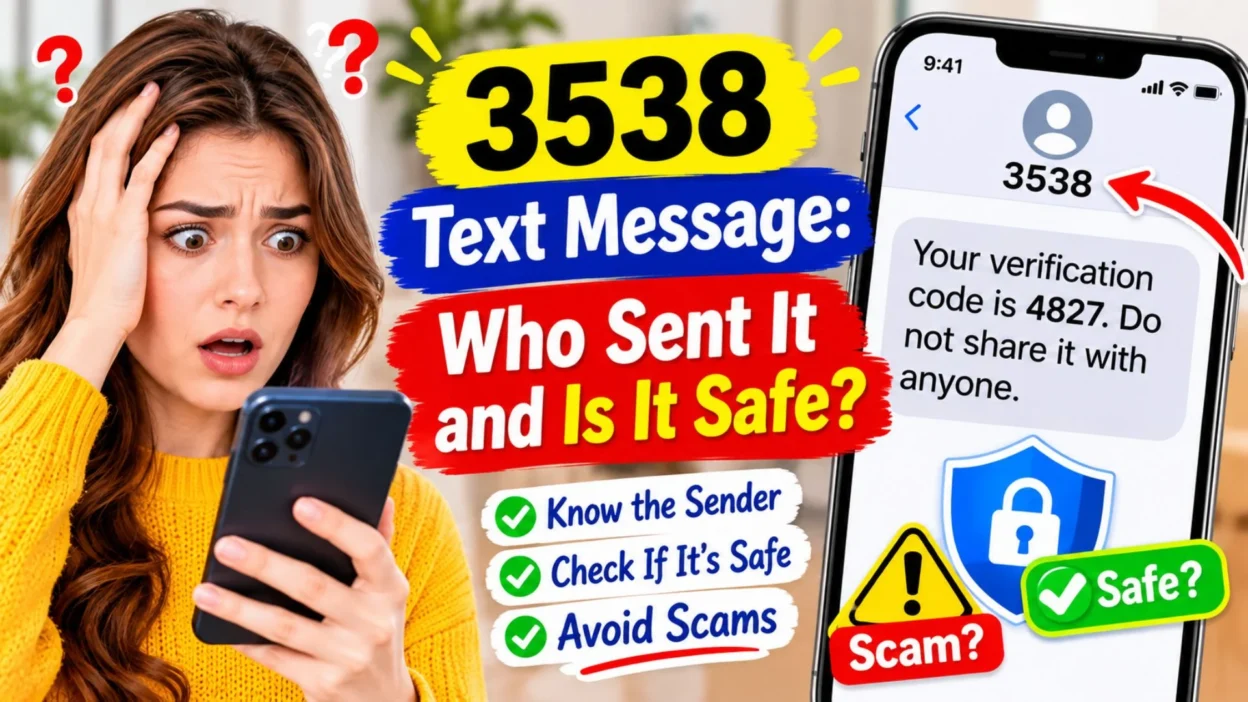
Getting a text from an unfamiliar number can leave you wondering who is behind it. You might see 3538 appear in your messages without recognizing the sender or remembering signing up for anything.
Naturally, you want to know whether the notification is legitimate, what it means, and whether you should respond.
A 3538 text message may be associated with an automated messaging service, but the number alone does not confirm which company or organization sent it. Its identity can depend on your country, mobile carrier, and the messaging provider.
In this guide, we’ll explore possible reasons for receiving a message from 3538. You’ll also learn how to check its authenticity, recognize suspicious messages, protect your personal information, and manage unwanted notifications.
Let’s take a closer look so you can understand that unexpected message without unnecessary worry.
📩 What Does the 3538 Text Message Mean?
The meaning of a message from 3538 depends on how it appears on your phone and what the message contains.
A four-digit sender identifier may be used by a messaging provider or service in certain regions. However, it is not enough to identify a particular business.
Here are some possible explanations:
- Verification notification: A service may send a temporary code after a login or registration request.
- Account update: An automated platform might notify you about an account change.
- Subscription alert: A messaging service could send information about an active subscription.
- Promotional notification: A business may use automated texts to share announcements.
- Delivery update: A service provider might send information about an order or delivery.
- Unexpected message: Someone may have entered your number by mistake.
There is also an important distinction. If the sender appears as +3538... rather than simply 3538, it may be an international Irish phone number beginning with Ireland’s country code, +353. That is different from a four-digit SMS sender identifier. cdn.rmdservice.com+1
Therefore, check the exact sender format before deciding what the number means.
🔍 Who Owns the 3538 Text Message Number?
Finding the owner of a short sender number isn’t always straightforward.
Public lookup services can provide useful clues. However, their information may be incomplete, outdated, or based on user-submitted reports.
For example, Truecaller has a sender information page for 3538. Its listings show reports from several countries, including the United States, Ecuador, and Lebanon. However, those reports do not establish one verified business as the owner. Truecaller+2
You can investigate the sender through these methods:
- Check a sender directory: Look for information about 3538, but treat unverified listings cautiously.
- Read the original notification: The message may identify the business or service.
- Check your mobile provider: Ask whether the carrier can identify the messaging source.
- Contact the named company: Use independently verified customer support details.
- Review your recent activity: Look for account registrations or notifications that match the message.
Don’t assume that a search result proves ownership. The most reliable confirmation comes from the organization itself or your mobile provider.
🛡️ Warning Signs of a Suspicious 3538 Text Message
Not every unfamiliar text is harmful. Still, certain message patterns deserve extra attention.
Watch for these warning signs:
- Urgent account warnings: The message claims that you must act immediately to avoid losing access.
- Unexpected rewards: It promises a prize or gift you never entered to win.
- Unfamiliar payment requests: It asks you to pay an unexpected fee.
- Password requests: It asks you to send private login information.
- Suspicious website addresses: It directs you to a website you don’t recognize.
- Unexpected security codes: It sends a login code that you never requested.
- Unusual personal questions: It asks for information that the sender shouldn’t need.
These signs don’t prove that every message is fraudulent. However, they are good reasons to stop and verify the sender.
When in doubt, avoid interacting with the message until you can confirm its source.
📲 How to Verify a 3538 Text Message Before Responding
Checking an unfamiliar message doesn’t have to be complicated.
A few simple steps can help you understand whether the notification relates to something you actually did.
🔎 Read the Full Message
Start by examining the entire notification.
Look for the company name, service details, and reason for contacting you.
Pay attention to unusual requests or unfamiliar links. A legitimate-looking message can still be misleading.
🔎 Check Your Recent Online Activity
Think about your recent activities.
Did you sign up for a website, request a verification code, or make an online purchase?
If the timing matches, the message might be connected to that activity. Nevertheless, verify it through the official service.
🔎 Visit the Official Website
If the text mentions a company, visit its official website independently.
Look for customer support information or security announcements.
Avoid using links supplied in unexpected messages.
🔎 Check Your Account Notifications
Open the relevant application or website and review your account activity.
If the text claims that you received a security alert, check whether the same notification appears in your account.
🔎 Ask Your Mobile Network
Your carrier may be able to provide information about the sender or explain how to report suspicious messages.
This is particularly helpful when you receive repeated notifications from an unfamiliar identifier.
💬 Should You Reply to a Text Message From 3538?
Whether you should reply depends on whether you can verify the messaging service.
Some legitimate automated messaging programs support replies. For example, businesses may use STOP to manage subscriptions or HELP to provide customer assistance.
However, these commands should only be used when you have verified the messaging program.
Consider these points before responding:
- Recognize the sender: Make sure you know which organization is contacting you.
- Check the instructions: Read the message carefully before considering a response.
- Avoid sharing private information: Never send passwords or security codes.
- Ignore suspicious requests: Don’t follow instructions that appear unusual or threatening.
- Use official support: Contact the organization independently if you need clarification.
If you cannot identify the sender, don’t reply just to discover who it is.
📱 How to Block the 3538 Text Message Sender
Unwanted notifications can become frustrating, especially when they appear repeatedly.
Fortunately, most smartphones provide tools for blocking senders and reporting spam.
🍎 Block the Sender on iPhone
If you’re using an iPhone, follow these general steps:
- Open the Messages application.
- Find the conversation from 3538.
- Tap the sender information.
- Look for the available blocking options.
- Follow the on-screen instructions.
You can also review your message filtering settings to manage messages from unknown senders.
🤖 Block the Sender on Android
Android users can usually manage unwanted messages through their default messaging application.
- Open Google Messages or your phone’s messaging app.
- Find the conversation from 3538.
- Open the conversation options.
- Select the available block or spam-reporting option.
- Confirm your choice if requested.
The exact steps may differ depending on your device and application version.
Blocking a sender can help reduce unwanted messages. However, it doesn’t guarantee that other messaging identifiers won’t contact you.
🌎 Does the 3538 Text Message Number Work Worldwide?
Short-code messaging isn’t identical in every country.
Mobile networks and telecommunications authorities have different rules for assigning and managing short numbers. Consequently, the same four-digit identifier may not have the same meaning across different regions.
Here are some regional considerations:
- United States: Business messaging commonly uses five- or six-digit short codes. A four-digit number should not automatically be treated as a standard US short code. areacode.fyi+1
- Pakistan: Mobile operators and service providers use different short-code formats for notifications and customer services. A published Pakistani short-code list does not establish 3538 as a verified service. Bhatti Networks
- United Kingdom: Businesses and messaging providers operate under local telecommunications requirements.
- European countries: Messaging formats and sender identification can vary between networks and providers.
- Other regions: Local carriers determine which messaging formats and services are supported.
This is why your location matters when identifying an unfamiliar sender.
If you received a message from 3538, check the country and mobile network involved before relying on an online explanation.
💡 What Information Can a 3538 Text Message Reveal?
The content of a message can offer clues about why you received it.
However, not every notification provides enough information to identify its sender.
Here are some details worth checking:
- Company name: The message may mention a business or organization.
- Notification purpose: It might explain whether the text concerns an account or service.
- Date and time: The arrival time may match an activity you recently completed.
- Reference details: An order or account reference may help you recognize the notification.
- Website information: A company may mention its official website.
- Subscription details: The message might explain an existing messaging subscription.
Keep in mind that scammers can imitate legitimate organizations.
Therefore, never treat the information inside an unexpected message as proof of authenticity.
🔐 Can a 3538 Text Message Hack Your Phone?
Simply receiving an SMS does not automatically mean someone has accessed your phone.
The greater concern is what an unexpected message might encourage you to do.
For example, a suspicious notification could direct you to a fake website or ask you to share sensitive account information.
Protect yourself with these habits:
- Keep your phone software updated.
- Use strong passwords for important accounts.
- Never share temporary verification codes.
- Avoid opening unexpected attachments.
- Check account activity regularly.
- Use official applications for important account notifications.
- Enable additional security features when available.
Also, remember that a text message cannot establish that your phone has been hacked.
If you notice unfamiliar account activity, contact the relevant service through its official support channel.
📩 Why Does 3538 Keep Sending Me Text Messages?
Repeated messages can have several explanations.
Sometimes, an automated system sends multiple notifications after repeated requests or account activities.
In other cases, the messages may be unwanted.
Possible reasons include:
- Repeated login attempts: Someone may be requesting multiple verification codes.
- Duplicate notifications: A messaging system might send the same alert more than once.
- Active subscriptions: You may have signed up for recurring notifications.
- Incorrect phone details: Another person might have entered your number accidentally.
- Unwanted promotions: A business may be sending messages you don’t recognize.
- Suspicious activity: Repeated unexpected messages may deserve further investigation.
If the messages contain security codes you didn’t request, don’t share them.
Instead, check the relevant account through its official application. If the notifications continue, contact your mobile carrier.
🧾 What Should You Do If You Accidentally Clicked a Link?
Sometimes, curiosity gets the better of us. You might open a message link before realizing that the sender is unfamiliar.
First, don’t panic.
Opening a link does not automatically mean your information has been stolen. However, you should take sensible precautions.
- Close the website if it looks suspicious.
- Don’t enter passwords or personal information.
- Don’t download unfamiliar files.
- Avoid approving unexpected account requests.
- If you entered a password, change it through the official website.
- Review your account activity for unfamiliar changes.
- Contact the relevant service if you notice anything unusual.
If you shared financial information, contact your bank through its official support channel.
The important thing is to respond carefully rather than follow additional instructions from the suspicious message.
📚 Why Do Companies Use Short Code Text Messages?
Businesses use automated text messaging because it provides a convenient way to communicate with customers.
Short codes can support high-volume messaging and simplify certain customer interactions.
Common uses include:
- Security notifications: Sending account verification codes.
- Order updates: Sharing information about purchases.
- Appointment reminders: Helping customers remember scheduled visits.
- Customer support: Providing information through automated messaging.
- Service announcements: Communicating important changes.
- Subscription management: Allowing customers to manage messaging preferences.
- Promotional updates: Sharing business announcements with customers who have agreed to receive them.
However, using a short code does not automatically make a business message trustworthy.
Legitimate messaging programs should identify their purpose and provide appropriate information about the organization behind them.
Always check the source before sharing personal details.
❓ Frequently Asked Questions About 3538 Text Messages
📱 What is the 3538 text message number?
3538 is a four-digit sender identifier that may appear in an SMS notification. Its exact owner cannot be confirmed from the number alone. The country, carrier, and message content are important for identifying its source.
🔍 Is 3538 a legitimate short code?
It may be used for legitimate messaging in some circumstances. However, there isn’t enough verified information to identify one specific organization as its owner. Always check the original message and verify the sender independently.
🛡️ Is a message from 3538 a scam?
Not necessarily. An unfamiliar sender number doesn’t automatically indicate fraud. However, unexpected links, payment demands, and requests for private information are warning signs worth taking seriously.
📩 Why did I receive a verification code from 3538?
You might receive a verification code after requesting an account login, registration, or password reset. If you didn’t request it, keep the code private and check your account security.
🚫 Can I block messages from 3538?
Yes. Most smartphones offer blocking and spam-reporting features. You can use these options to manage unwanted notifications. Your mobile carrier may also offer additional assistance.
❤️ Final Thoughts on the 3538 Text Message
An unfamiliar text notification can create plenty of questions. You might wonder who sent it, why it appeared, and whether it deserves your attention.
The 3538 text message cannot be linked confidently to one particular company using the sender number alone. Its meaning depends on the country, mobile carrier, messaging provider, and actual content of the notification.
Fortunately, you can investigate the message without taking unnecessary risks. Check your recent account activity, read the notification carefully, and contact the claimed organization through its official website when necessary.
Most importantly, never share passwords, verification codes, or sensitive personal information with an unverified sender. You can also block or report unwanted messages through your phone or mobile carrier.
Save this guide if you regularly receive unfamiliar SMS notifications.
Stay informed, verify before responding, and keep your personal information protected!

Emma Richardson is a content writer passionate about creating heartfelt messages, wishes, and greetings for every occasion. She enjoys helping readers express their emotions with meaningful words that strengthen relationships and celebrate life’s special moments.